What Makes a Cookie Banner Actually Compliant? (And Which CMPs Get It Right)
Most cookie banners you see in the wild aren't compliant. Not "technically not compliant", actually, demonstrably, in-breach not compliant. The vast majority either bury the Reject button, style Accept far more prominently than Reject, pre-tick categories, or quietly fire tracking scripts before consent has been given.
This isn't just my opinion. In November 2023, the UK's Information Commissioner's Office wrote to 53 of the country's top 100 most-visited websites, warning that their cookie banners weren't compliant. 38 of those 53 sites changed their banners to comply, and another 4 committed to changes within a month, meaning more than 70% of the UK's most-visited websites that the ICO contacted were running non-compliant banners. In January 2025, the ICO expanded the action to the top 1,000 UK websites. If the biggest, best-resourced, most-audited brands in the country are getting this wrong, smaller businesses almost certainly are too.
The frustrating bit, as someone who does compliance audits, is that the banners most often shared as examples of "good design" tend to be the non-compliant ones. Big green Accept button, refusal hidden two clicks deep, clean and "modern", but in direct breach of UK GDPR and PECR. The visual cleanness that makes them feel well-designed is usually achieved by hiding the Reject option.
This post covers what the law actually requires, what regulators are penalising in practice, and an honest review of the main CMPs used in the UK and EU. It ends with a one-page compliance checklist you can run any banner through in under five minutes.
What the law actually says
Cookie consent in the UK is governed by two pieces of legislation working together.
The Privacy and Electronic Communications Regulations 2003 (PECR) is the bit that requires consent for non-essential cookies and similar technologies. It applies whether or not personal data is involved.
The UK General Data Protection Regulation (UK GDPR) defines what valid consent looks like. Article 4(11) and Article 7 set the standard: consent must be "freely given, specific, informed and unambiguous", indicated by a "clear affirmative action", and as easy to withdraw as it is to give.
The Information Commissioner's Office (ICO) publishes the practical guidance for how these apply to cookies, most recently updated in January 2024. In November 2023, the ICO sent a public call to action to the UK's top 100 websites warning that many of their banners weren't meeting the standard.
EU regulators have been more active in enforcement. The European Data Protection Board's Cookie Banner Taskforce Report (January 2023) sets out exactly which design patterns count as dark patterns. The most high-profile enforcement action came from CNIL, France's data authority: a €150M fine against Google in December 2021 and a €60M fine against Meta in January 2022, both specifically for not making it as easy to refuse cookies as to accept them.
Post-Brexit, the UK ICO's position is broadly aligned with the EDPB's, and many UK businesses trade in the EU, so EU GDPR continues to apply. In practice, if you build for the stricter EU standard, you'll satisfy the UK ICO too.
The seven requirements
What this means in practice for your cookie banner:
1. Refusing must be as easy as accepting. This is the single most-enforced principle, and the basis of the CNIL fines against Google and Meta. If accepting takes one click, refusing must also take one click. Reject All must be on the same layer as Accept All, with equal prominence, not buried under Settings, Manage Preferences or Customise.
2. Equal prominence between Accept and Reject. Same size, same colour weight, same hierarchy. A bold coloured Accept All alongside a grey text-link Reject fails the test. Both the ICO and CNIL have flagged this in their guidance.
3. No pre-ticked boxes. Article 7(2) requires consent to be a clear affirmative action. Toggles that are pre-set to "on" or "marketing" categories that come pre-enabled do not count. Silence or inaction is not consent.
4. Granular consent by category. Users must be able to accept some categories but reject others, typically Strictly Necessary (which doesn't require consent), Functional, Statistics/Analytics, and Marketing. A single Accept button with no granular options isn't valid consent.
5. All cookies must be classified and disclosed. Every cookie set or read by the site needs to appear in the inventory with its purpose and duration. Cookies marked "unclassified" or with "description currently not available", extremely common when YouTube embeds or third-party widgets are present, undermine the validity of the consent obtained.
6. No non-essential tracking before consent. GA4, Meta Pixel, TikTok Pixel, LinkedIn Insight Tag and similar must not fire until consent is granted for the relevant category. Many setups load these scripts immediately on page load, including via Google Tag Manager, and rely on Google Consent Mode to signal consent state after the script has already loaded. This is not compliant; it's the most common finding in my audits.
7. Withdrawing consent must be as easy as giving it. A persistent Cookie Preferences link in the footer is the standard. If users have to email the company to withdraw consent, that's a breach.
The dark patterns to recognise
The EDPB Taskforce Report names specific patterns that fail the requirements above. If a banner has any of these, it's non-compliant, regardless of which CMP is behind it.
Accept All visible on the initial layer, Reject hidden under Customise or Settings - the most common pattern in the UK and EU, and the direct subject of the CNIL fines
Accept styled in colour or as a solid button, Reject styled as a text link or in grey - fails the equal-prominence test
No Reject option on the initial layer at all - only Accept All and Manage Preferences, with refusal requiring deselection within the preferences panel
Pre-ticked category toggles
Continue without accepting (or just an X close) as the only refusal option - these aren't legally equivalent to a Reject All button. Closing a banner is an ambiguous dismissal, not a clear affirmative refusal. The user hasn't actively consented, but they also haven't made a clear recorded choice. Regulators (CNIL most notably, with the Google and Meta fines) have specifically ruled that this asymmetric design, bold Accept, hidden X, fails the "equal prominence" requirement.
Reject All present but ineffective - the button exists but the underlying tags fire anyway because they're not gated against consent state
Forced consent walls - content blocked entirely until consent is given (only acceptable for cookies strictly necessary for the user's specific request)
Different button hierarchy on mobile vs desktop - Accept enlarged, Reject hidden behind a hamburger or made thumb-unfriendly
The CMP shortlist
These are the consent management platforms most commonly seen in the UK and EU, with an honest take on each.
| CMP | Best for | Reject All on first layer | Free tier | Paid from |
|---|---|---|---|---|
| Cookiebot | Mid-market, EU exposure | Configurable (off by default) | Up to 100 pageviews/mo | ~€10/mo |
| CookieYes | WordPress, SMBs | Configurable (off by default) | Up to 25,000 sessions/mo | $9/mo |
| OneTrust | Large enterprise | Configurable (off by default) | No | Enterprise contract |
| Iubenda | Multi-site SMBs, consultants | Configurable | Limited | ~€9/mo per site |
| Termly | Multi-region (US, UK, EU) | Configurable | Yes | ~$10/mo |
| Osano | Privacy-conscious mid-market | Default ✓ | Yes | $99/mo |
| Quantcast Choice/InMobi CMP | Publishers, adtech | Configurable | Yes (most volumes) | Volume-based |
A note before the profiles: no CMP is "compliant out of the box". All of them can be configured compliantly, and all of them can be configured non-compliantly. Defaults matter because most users don't know to change them.
Cookiebot (by Usercentrics)
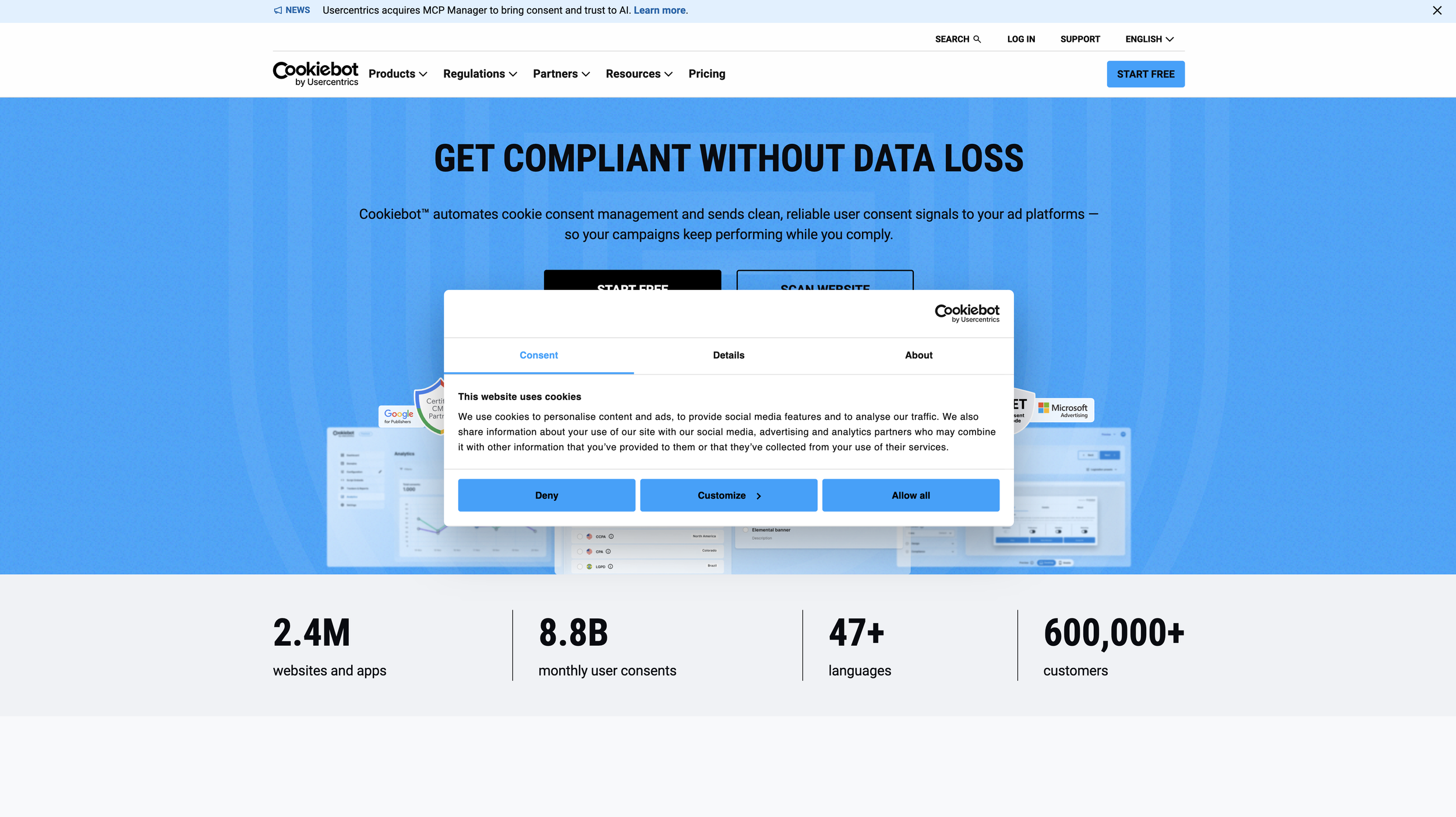
The most widely deployed CMP in Europe. Strong cookie scanning, multilingual banner support, IAB TCF v2.2 compatibility, and detailed cookie inventory. The catch:Reject All on the initial layer is not enabled by default, it's a toggle in the dashboard under Banner > Buttons. The single most common compliance issue I find on Cookiebot installations is this toggle left off. Best for mid-market and small-enterprise sites with EU exposure.
CookieYes
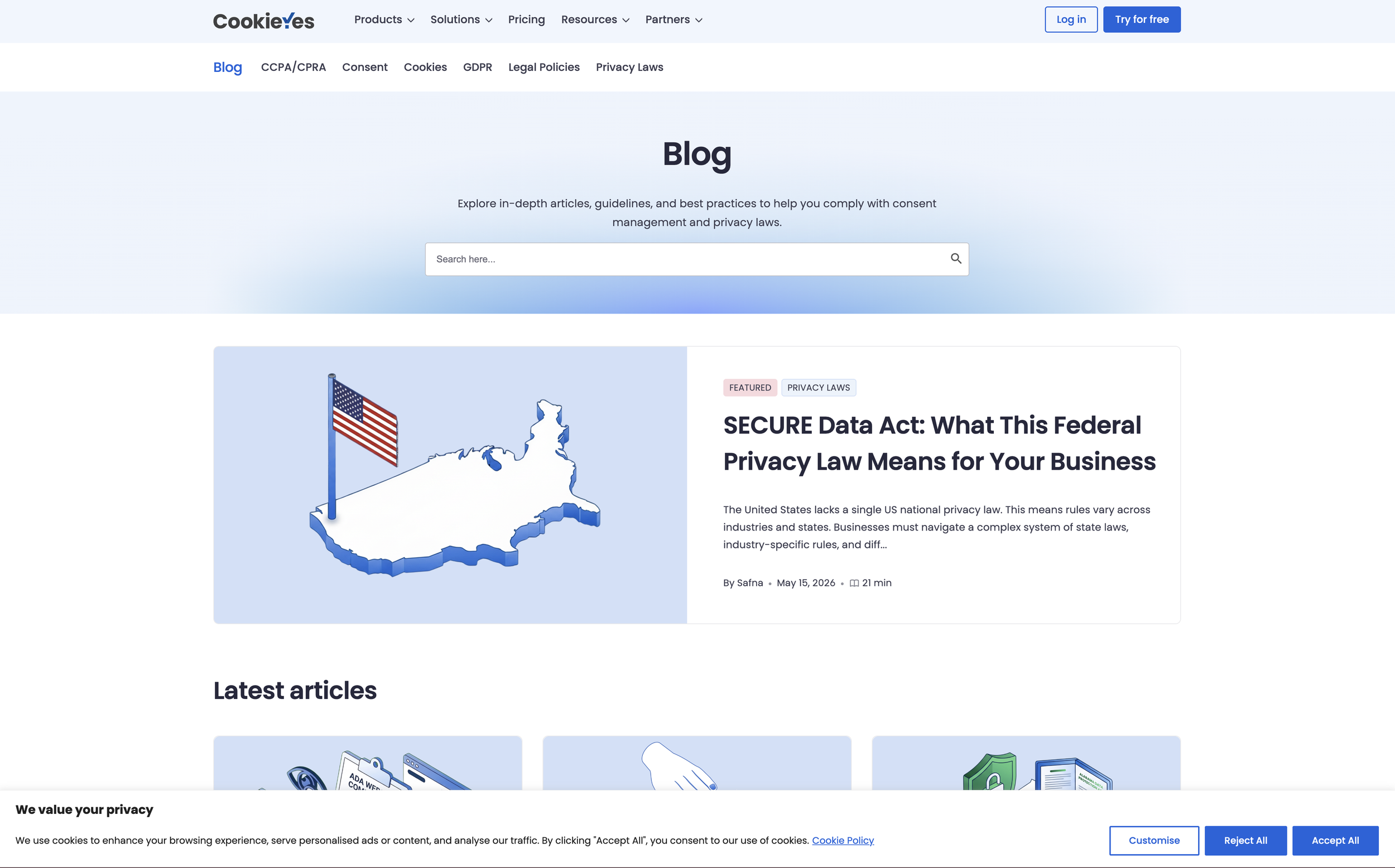
WordPress favourite, generous free tier (up to 25,000 sessions/month), paid from $9/month. Easy to configure, automatic scanning, multilingual support, explicit GDPR + PECR templates. The catch: Same as Cookiebot - Reject All on the initial layer is a toggle, not the default. Also: the auto-generated Use of Cookies page can drift out of sync with the actual cookie inventory if the site changes, so it benefits from periodic manual auditing. Best for WordPress sites and SMBs.
OneTrust
The enterprise standard. Far more than a CMP: a full privacy management platform covering DPIAs, vendor assessments, data subject requests and more. Pricing is enterprise (six-figure annual contracts not unusual). The catch: The complexity is itself the issue. OneTrust's default banner template has Accept All Cookies and Cookies Settings, no Reject All on the initial layer unless explicitly configured. Many large organisations assume "we bought OneTrust, so we're compliant", only to discover during an audit that their configuration isn't. Best for large enterprises with a dedicated privacy team to manage it properly.
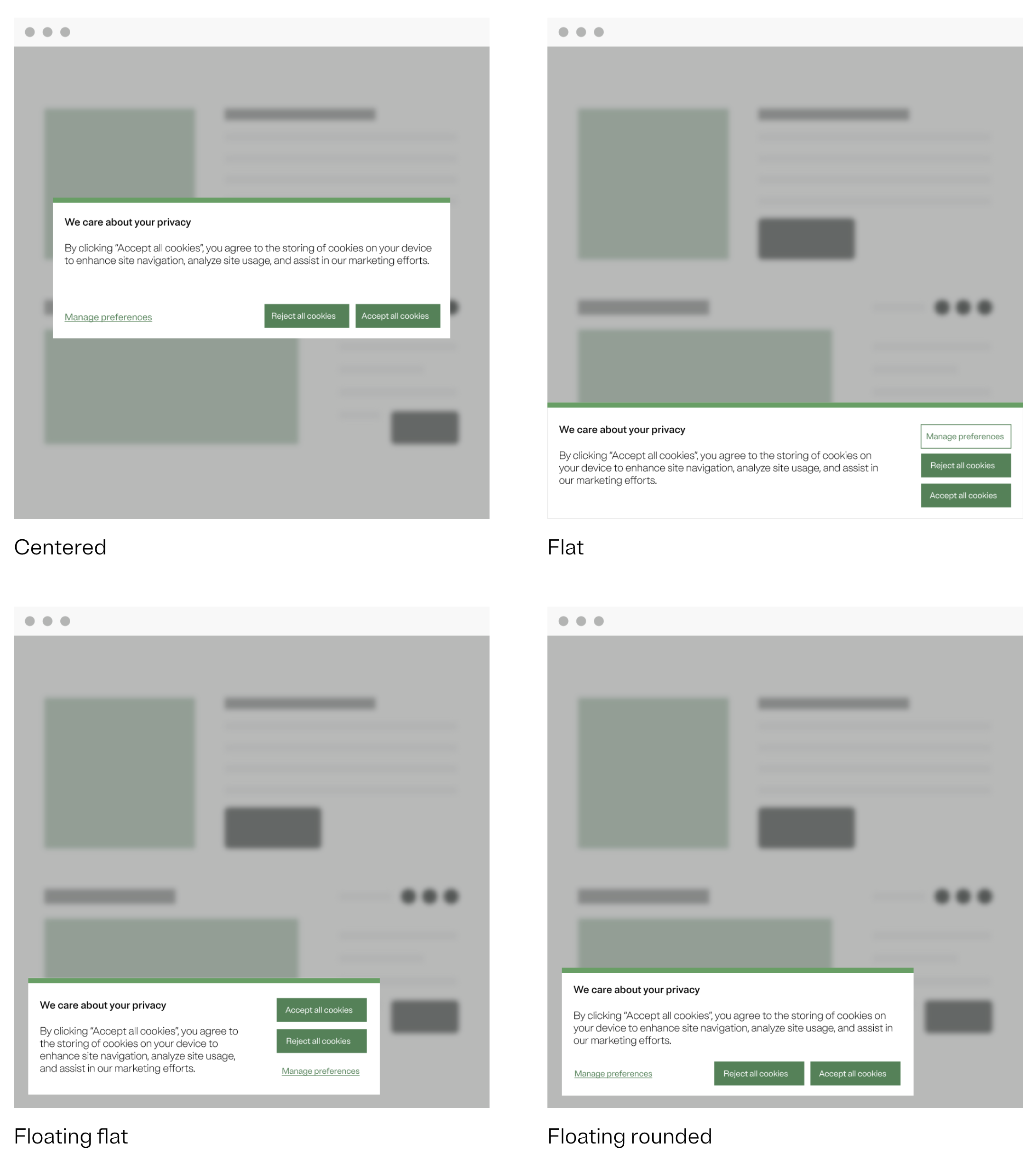
Example OneTrust Consent Banner
Iubenda
Italian-based, EU-focused. All-in-one suite: cookie consent + privacy policy generator + ToS generator + DPA management. Strong policy templates in 12+ languages with version control. From around €9/month per site. The catch: The cookie scanner is less thorough than Cookiebot's, so cookies added by embedded widgets sometimes go missed. Best for SMBs and consultants managing multiple sites who want privacy documentation and consent in one place.
Termly
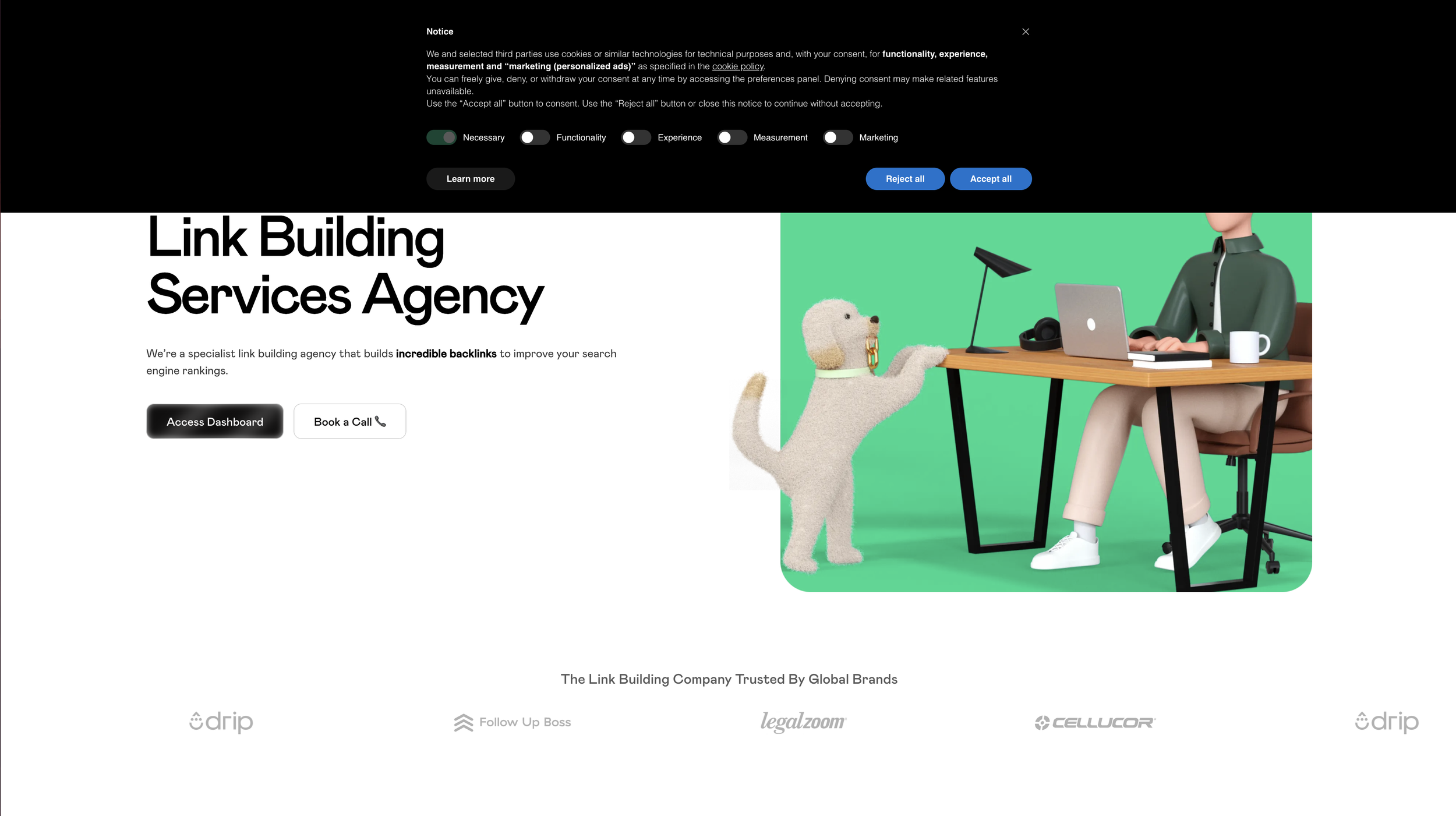
US-based, mid-market positioning. Includes privacy policy generators. The catch: Default banner has Accept and Decline, but Decline is sometimes rendered as a less prominent text link - worth verifying against the equal-prominence requirement. Best for multi-region websites (US, UK, EU) wanting one CMP across CCPA + UK GDPR + EU GDPR.
Osano
Privacy-first positioning. Reject All on the initial layer is the default, one of the few CMPs that gets this right without configuration. Higher entry price (paid plans from $99/month) but the compliance defaults match the marketing. Best for privacy-conscious mid-market organisations who'd rather pay more for defaults that work than configure something cheaper into compliance.
The compliance checklist
When evaluating a banner, run it against these. Print this. Send it to your clients.
Accept All and Reject All are both visible on the same initial layer
Both buttons have equal prominence (same size, same colour weight, same hierarchy)
Refusing takes the same number of clicks as accepting
No category toggles are pre-ticked
Categories are granular (typically: Necessary, Functional, Analytics, Marketing)
Every cookie in the inventory is classified - none labelled "unclassified" or with missing descriptions
Non-essential scripts (GA4, Meta Pixel, TikTok Pixel, etc.) do not fire before consent is granted (test this by opening DevTools Network tab in an incognito window and watching what loads before any banner interaction)
A Cookie Preferences link is available in the footer for withdrawing consent
The mobile view does not enlarge Accept while shrinking Reject
The privacy policy accurately describes what's being tracked
A clear record of consent is kept (most CMPs do this automatically)
If any of these fail, the banner is non-compliant, even if the CMP behind it is capable of being compliant.
Continue without accepting vs Reject
The difference is what counts as a "clear affirmative action":
Reject All is an explicit, recorded refusal of consent. The user has actively chosen "I do not consent." Under UK GDPR and PECR, the site must honour this - no tracking cookies, no marketing pixels, no analytics beyond strictly necessary. There's a clear, defensible record that the user actively said no.
"Continue without accepting" / "X close" / dismissing the banner is ambiguous. Did the user mean to reject? Did they just want the banner out of the way to keep reading? Are they planning to come back to decide later? Under UK GDPR Article 7(2), consent (or its refusal) must be a "clear affirmative action", and closing or dismissing isn't an affirmative anything. It's silence. Silence is not consent, but it's also not formally refusal in the way the regulator expects.
Why this matters in practice:
Sites that use "Continue without accepting" as the ONLY way to refuse are doing this deliberately. They're trying to comply without giving users a proper Reject button. Two things happen:
The visual hierarchy is broken. "Accept All" is a big coloured button. "Continue without accepting" is a grey text link or a tiny X. The "equal prominence" requirement fails immediately - accepting takes one obvious click, refusing requires hunting for an unobtrusive link.
The signal sent to the site is weaker and less defensible. If the ICO later asks "how did you record this user's refusal of cookies?", a sit-up-and-actively-said-Reject-All record is bulletproof. A "user closed the banner without engaging with it" record is much weaker, particularly because most CMPs continue to display the banner on subsequent visits when the user hasn't given an actual response, which itself isn't great UX.
Where this has actually been enforced:
The French regulator CNIL specifically flagged this pattern when they fined Google (€150M) and Meta (€60M) in late 2021 / early 2022. Both sites had something resembling an "X close" or "Continue without accepting" option, but no proper Reject button on the first layer. CNIL ruled that the asymmetry, bold Accept, and ambiguous dismissal weren't legally equivalent. After the fines, both Google and Meta added explicit "Reject All" buttons to their banners across the EU.
Real-world example. Le Monde, Le Figaro and several French publishers used "Continue without accepting" as their refusal option for years. CNIL forced all of them to add a clearer Reject button in 2022. You can still see legacy versions of this pattern on some older European news sites and US publishers who haven't caught up yet.
The bottom line
The CMP is a tool. The compliance comes from how you configure it.
The CMPs that make compliance easiest by default, meaning Reject All on the first layer without needing to toggle anything, are Osano and Iubenda (with proper setup). Cookiebot and CookieYes are highly capable but require deliberate configuration. OneTrust is powerful but high-touch and assumes a privacy team.
For anyone choosing a CMP today: if you don't have an in-house privacy specialist, default toward the platforms that make it harder to be non-compliant. If you do have specialists, the configuration matters far more than the brand on the banner.
If you're not sure where your current banner stands, or you've been sent options and want a second opinion before you commit, that's exactly the kind of thing I audit. Get in touch.